
CentOS系统安装好MySQL后,默认情况下不支持用户通过非本机连接上数据库服务器,下面是解决方法:
1、在控制台执行
mysql -uroot -p
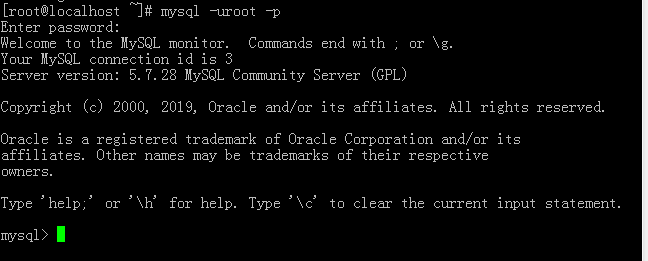
2、选择数据库
use mysql;

开启远程连接 root 用户名 % 所有人都可以访问 password 密码
GRANT ALL PRIVILEGES ON *.* TO 'root'@'%' IDENTIFIED BY 'password' WITH GRANT OPTION;
刷新规则
FLUSH PRIVILEGES;
3、重启mysql服务
service mysqld restart

如果执行完以上步骤,还是不能远程连接,那么我们需要查看服务器的防火墙是否开启
firewall-cmd --state

如果防火墙开启,请关闭
systemctl stop firewalld 临时关闭防火墙

systemctl disable firewalld 禁止防火墙开机启动

到此就可以远程连接了!